Build it together
A collaborative family tree, built by the people in it.
Invite relatives to one shared family tree. Each of them adds the names, photos and stories only they remember.
Start your family treeFree. No paid plans, no trial.
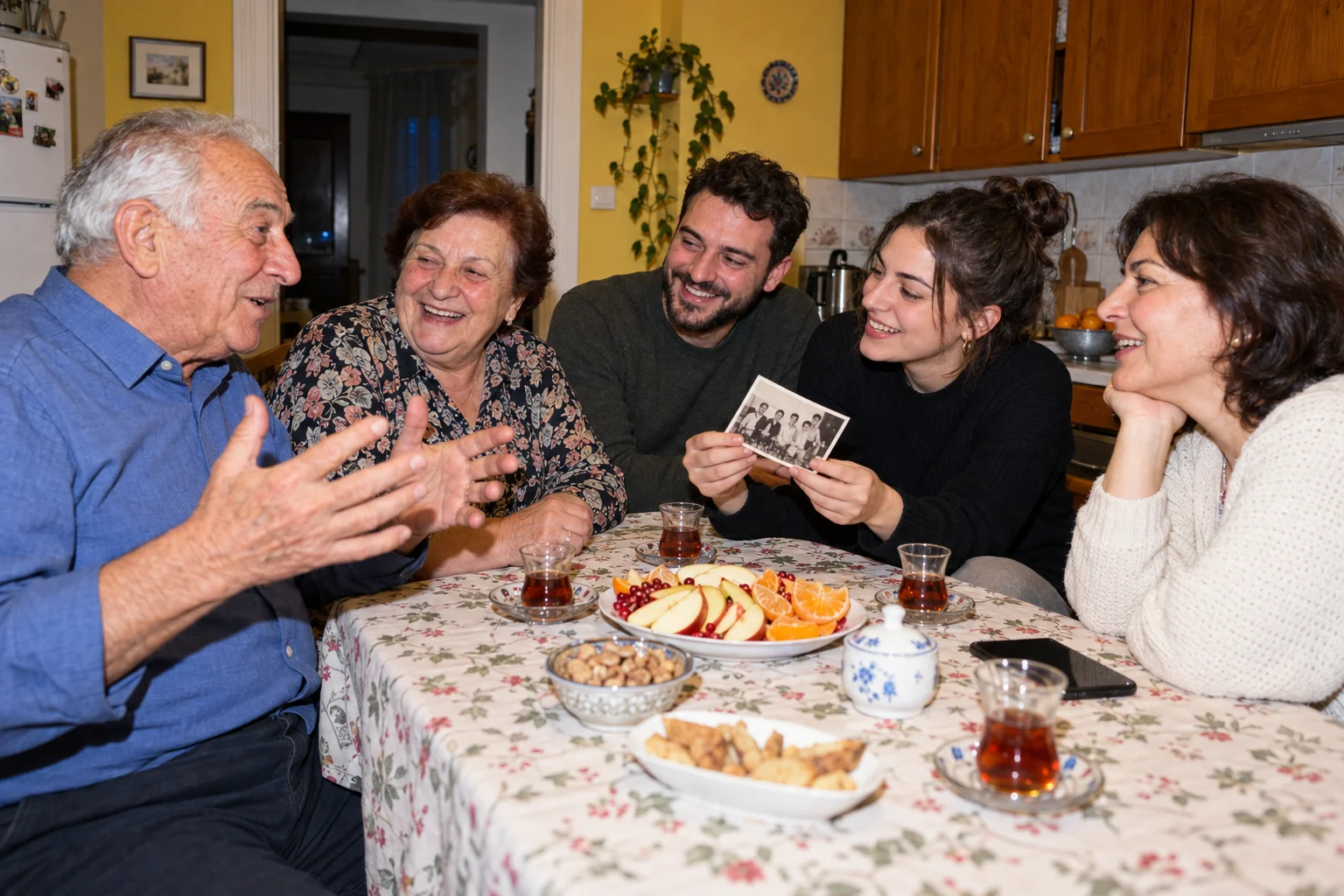
Why a shared family tree works better
Family knowledge is spread across many people. Your father knows his own grandparents, your aunt kept the photos, and a cousin abroad knows the branch that emigrated. A tree kept by one person tends to stop where that person’s memory stops.
A shared family tree lets each relative add what they know to the same canvas. No one emails spreadsheets back and forth, and no one has to retype a branch that someone else has already entered. When you open the tree, you see everyone’s latest work.
Working together also makes the tree more accurate. When three relatives look at the same great-grandmother, a wrong birth year or a misspelled maiden name rarely survives long.
How to build a family tree together
- 01
Create the tree.
Add yourself and the relatives you know best. A small, correct start gives everyone else something to build on.
- 02
Invite relatives by email.
Enter an email address and pick a role. Your relative gets an invitation and joins the tree once they sign in.
- 03
Let each branch fill in its own side.
An aunt adds her grandchildren, a cousin adds the in-laws you never met. Everyone works on the same tree at once.
- 04
Talk about it on the person.
Use comments on a person to ask a question, share a memory or flag a date that looks wrong.
Roles: who can do what
Owner
The person who created the tree. Owners invite relatives, change their roles and manage the public link.
Editor
For relatives who will add people and details. Editors can create, change and link people, add events and upload photos.
Viewer
For relatives who want to look. Viewers can browse and comment but cannot edit, and never see living people’s details.
Privacy for living relatives

A family tree includes people who are still alive, and not all of them want their birthday or home town shown to everyone. Build a Family Tree treats living people with care.
Viewers never see living people’s details. They see the name and where the person sits in the tree, but not dates, places, photos or stories.
The public read-only link shows only names for living people. Share it in a family group chat so relatives can look at the tree without an account, while the details stay with the people you invited as editors.
Every change, on the record
The activity feed lists every addition, edit and deletion in the tree, with the name of the relative who made it. If a cousin merges the wrong two people or removes a branch by accident, undo the change from the feed.
Once the tree has grown, use the relationship calculator to see how new relatives connect, or bring in an existing tree with a GEDCOM import so no one starts from scratch.
Shared family tree questions
How many relatives can I invite to a shared family tree?
There is no limit and no charge. Invite every relative who wants to take part. Each invitation goes to one email address, and you choose whether that person joins as an editor or a viewer.
What is the difference between an editor and a viewer?
Editors can add people, change details, upload photos and link relatives. Viewers can browse the tree, read stories and see photos of ancestors, but cannot change anything and never see details of living people.
What if someone makes a mistake?
Every change appears in the tree’s activity feed with who made it and when. You can undo a change from the feed, so a wrong date or a deleted person is easy to put back.
Can I share the tree with someone who doesn’t have an account?
Yes, with a public read-only link. Anyone with the link can view the tree without signing in. Living people appear as names only; dates, places, photos and stories of living relatives stay hidden.
What happens when two people add the same grandparent?
Duplicate detection points out people who look like the same person. You can compare them and merge them into one, keeping the links, photos and details from both.
Bring everyone in.
Start a tree, invite your relatives and build your family history together, free.
More ways to build your family tree
- Free family tree maker Build a family tree online with photos, stories and dates. No paid plans.
- GEDCOM import and export Move a family tree in or out using a standard GEDCOM file.
- Family tree template Lay out your tree on a canvas, then export it as a PNG or PDF to print.
- Relationship calculator Find out how two relatives are related, from parents to third cousins.
Or go back to the Build a Family Tree home page.